Master Layers and Photoshop to Free Your Art
Learn to use layers and Photoshop to make art joyful and manageable—mix technique, imagination, and patient practice to unlock creative freedom.
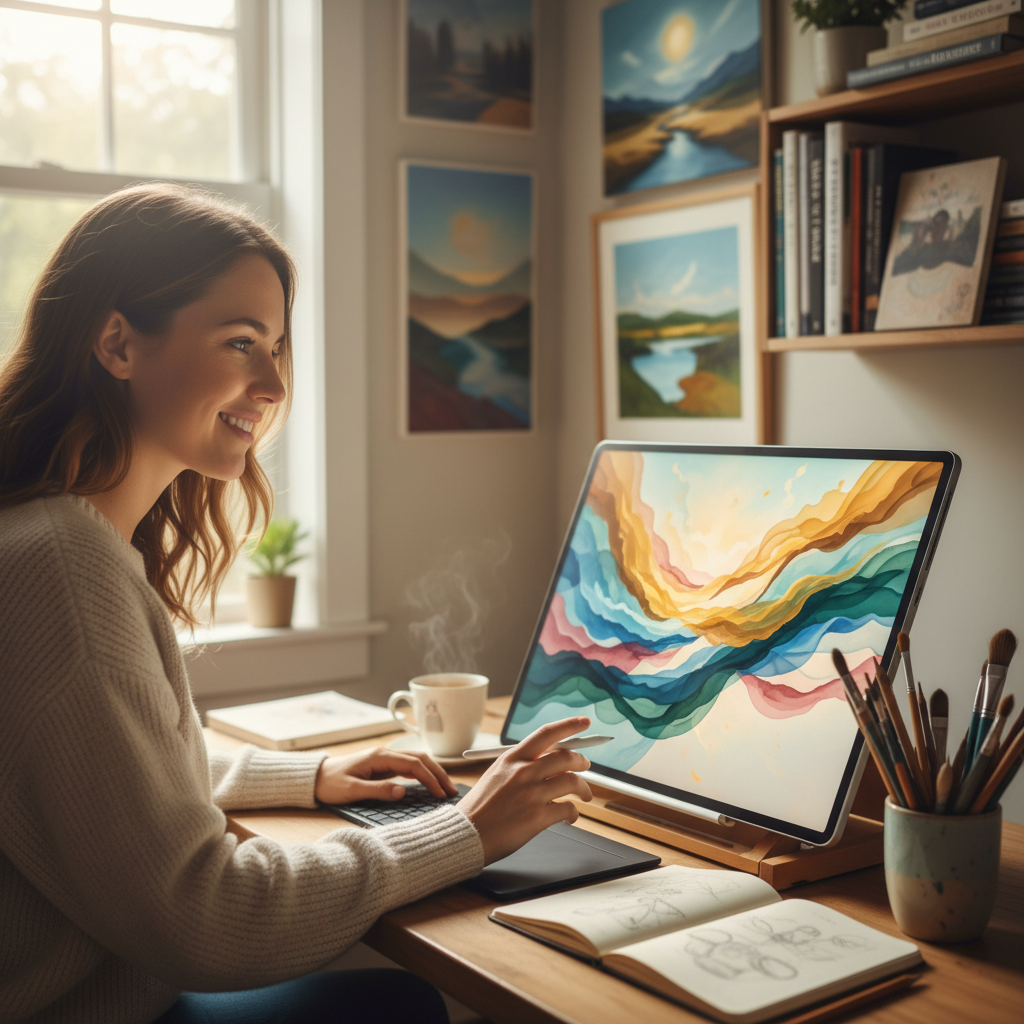
Why layering images makes complex art manageable
Layering is the single habit that will change how you approach every picture you make. When you separate background, midground, and foreground, you turn a monstrous task into a sequence of small, confident acts. You can tweak the sky without touching the character; you can darken a shadow without erasing your highlights.
The Heart of It: Work in layers so one change never ruins everything.
This matters because it protects creative momentum — you can experiment without catastrophic loss.
- Start a project with at least three layers: background, subject, and detail/overlays.
Think of layers like prayer layers: some things are foundational, some shape the work, and some are the finishing flourishes. An artist once described creating a layer for the actual drawing while keeping the penciled scan separate — discipline to keep order and generosity to the creative process so it can breathe.
You might hear the simple direction, "They're on two different layers," and miss its power. That line is a technical lifeline: it means you can try a dramatic sky and still keep the original silhouette intact. It means finally being able to say yes to an impulse — and no to the fear that a single click could ruin hours of work.
Example: imagine coloring a tree full of apples. Lay in a flat green on one layer, reds for apples on another, and a separate layer for tiny highlights and watercolor-like washes. You end up with depth that feels natural because each decision had room to live and be adjusted.
Behind the Words: The literal act of layering in digital art mirrors an older craft practice — painters prepared grounds, glazes, and varnishes in sequence so each element read clearly in the finished work.
The Heart of It: Order in craft frees imagination.
Try This: Draw a simple scene — a tree, a small hill, a cat — then give every element its own layer. Turn layers off and on like light switches and notice what each layer contributes.
A common misunderstanding is to think layers are a shortcut for laziness. They are a tool for intentionality; turning them into a mess is still possible, but when used well they buy you freedom.
Modern digital work often ends up with surprising numbers: one artist reported "about ten layers" in a single comp, sometimes over a hundred. Those numbers sound intimidating until you realize each one is a tiny decision you can reverse. In the long run, that patience multiplies quality and reduces frustration.
How to use Photoshop layers like a pro
Photoshop and comparable programs unlock the same strategies in a different form. Layers here can be blend modes, clipping masks, or adjustment layers — each a different posture toward the work: humility (let something subtly change), authority (apply a global shift), or curiosity (try a radical blend and step back).
The Heart of It: Let blending modes and masks be your safe experiments.
Changing a layer to Multiply or Soft Light is like changing the lens on a camera — it alters mood without destroying the underlying drawing.
- Use Multiply for shadow washes, Soft Light for glow, and clipping masks to confine effects to a single shape.
A technical but pastoral point: when you set a layer to Multiply and lay down purples instead of dark grays for shadow, the color sings with life. One artist prefers color for shadow — "I don't like to use dark grays... I use purples" — and that creative choice lifts an illustration from literal to imaginative. We are allowed color that truths the world rather than merely copies it.
Start with a clean scan or photographed sketch. Put that image on a locked layer at low opacity for tracing. Then build new layers above it: clean line art, flat colors, midtones, highlights, texture, final color adjustments. Name layers as you create them — small acts of order preserve joy.
A simple workflow: scan an old birthday-card sketch and place the sketch on one layer at 30% opacity. Trace the lines on a new layer. Put flats on another, shadows on a Multiply layer, and speckled texture on a top layer. An old idea becomes new; you can even flip the color script and make the tree polka-dotted.
Behind the Words: In early printing and painting, artists worked in stages — underdrawing, tonal ground, and final paint — so Photoshop is not a different thing, only a faster, editable version.
The Heart of It: Digitally, we get to iterate like craftsmen without the cost of irreversible steps.
Try This: Scan an old sketch from your sketchbook and set up five labeled layers: sketch, lines, flats, shadows (Multiply), highlights. Spend one hour toggling blend modes and observing how mood changes.
A common trap is treating Photoshop like a magic wand that replaces practice. It doesn't. The software amplifies what you already know. Whether you're a beginner using markers or someone working on an iPad, the discipline of separating elements into layers translates across mediums.
Finally, remember the small delight in a finished playful moment: an artist's "little cartoon cat dancing" — that sense of life comes when character, color, and background harmonize because each had room to develop.
Let your tree be purple: experimenting with techniques frees creativity
What if the tree is purple? What if the shadow is a cool fuchsia and the apples are pastel? Repeated guidance across practices insists: use your imagination in coloring. Experimentation is obedience to the image-bearing part of us; it is worship through curiosity.
The Heart of It: Play is theology — it tells the story of a Creator who delights in variety.
Play matters because it models risk: try something odd and discover a new range of expression.
- Try one day where you never choose literal color; make all objects expressive and note what shifts.
A hard saying we must sit with: art does not have to be a literal copy of nature. That voice equating realism with worth is a spiritual weight that crushes creative courage.
Behind the Words: Genesis shows God as Creator who placed form and beauty into the world; the ancients crafted imagery to mirror divine creativity, not copy nature slavishly.
"So God created mankind in his image; in the image of God he created them; male and female he created them." — Genesis 1:27
The original readers of Genesis lived in a world where craft and symbolism mattered; being made in God's image points toward our capacity to create meaning, not simply reproduce facts.
The Heart of It: Your imagination is an echo of God's, and it is meant to be used.
Try This: Begin a piece with a constraint — purple tree, striped sky — and see how rules free rather than bind. Picture a child's party where a purple, glitter-speckled tree elicits gasps and wild coloring; that practice opens a small kingdom where rules bend and wonder grows.
A second Scripture anchors the discipline of practice and patience as spiritual formation.
"Let perseverance finish its work so that you may be mature and complete, not lacking anything." — James 1:4
Behind the Words: James wrote to a community facing difficulties, encouraging steady endurance that transforms believers. The metaphor applies to creative work: steady repetition, revision, and small corrections produce maturity.
The Heart of It: Practice is the faithful path to skill.
Try This: Choose one medium — watercolors, markers, or digital brushes — and do a 30-day mini-project with one small image each day. Keep every attempt, flawed as it may be. On day thirty, compare and celebrate growth.
A practical strategy: revisit old sketchbooks. An old caveman sketch or a birthday-card butterfly can become the seed for a new series. Pulling out past drawings and asking "What can this become?" is stewardship — tending what you've already been given.
Be pastoral about perfectionism. When an artist says they sometimes "bounce back and forth" and undo things repeatedly, that's revisioning. But it can become avoidance. Pair generous experimentation with a deadline: give yourself an hour to explore wildly, then a second hour to finalize.
If you're a parent, a student, a busy worker, or someone who thinks creativity is for other people — start small. A single layered study, a ten-minute experiment with color, a quick Photoshop comp with a faint pencil sketch under the work — these are holy rhythms. Small characters who move on the page — a dancing cat, a tree with apples catching light, a blinking fish in a game sketch — are invitations back into play.
We make art because we must — because God made us to make. Layers protect our play. Photoshop organizes our decisions. Experimentation releases our courage. Together they form a toolbox for a life of faithful creativity.
Pull out that sketchbook, open the file, or set up a desk with markers and watercolor paper. Commit to one small, layered exercise this week: three layers, named; one bold color choice; one hour of playful exploration. Then tell someone the story of why you chose purple for the tree.
We will get better by doing, by undoing, and by daring. That's how craft becomes character and how small acts of creativity become steady worship.
Key Takeaways
- Use layers effectively to manage different aspects of your art.
- Experiment with colors and techniques to find your unique style.
- Drawing doesn't have to be perfect; embrace the creative process.
- Regular practice and exploration lead to improvement in art skills.
- Inspiration can be found in past works and old sketchbooks.
Notable Quotes
"Feel free to explore definitely. And then from the smaller detail such as like this a little bit more detail again you're not seeing too much small elements very very small little brushing."
"The fun thing when doing this type of lesson: Use your imagination in coloring. It does not have to be like a traditional real tree."
"Always say so I hope you enjoy these two lessons."